Pixel Art Gallery
A few pixel-art scenes to show what the different palettes actually look like. I generated each one with a small script, then ran it through the converter using one of its palettes, so you can see how much a palette changes the mood before making your own from a real photo.
From source to pixel art
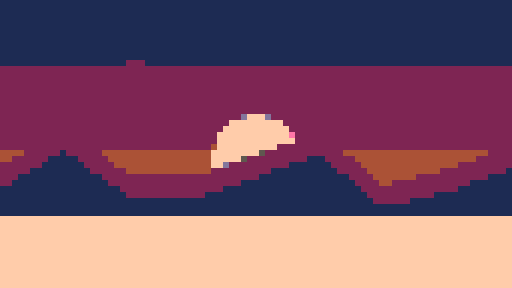
Here's the same scene before and after conversion, so you can see the effect. The tool shrinks the image into big square pixels, then snaps every colour to the nearest one in the chosen palette.
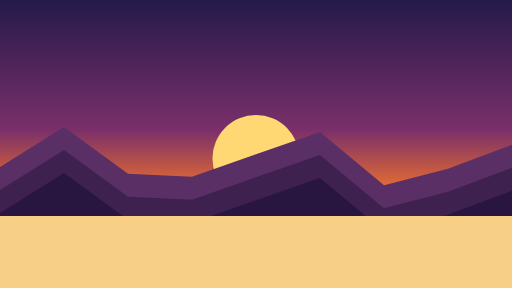 →
→
The gallery
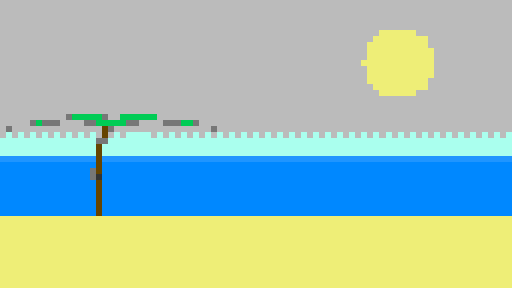
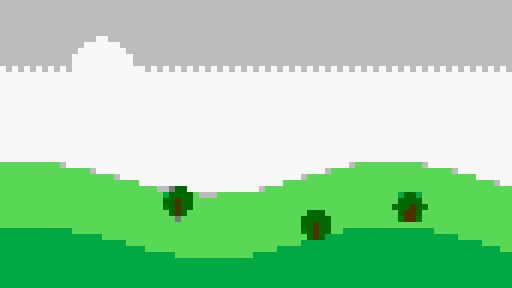
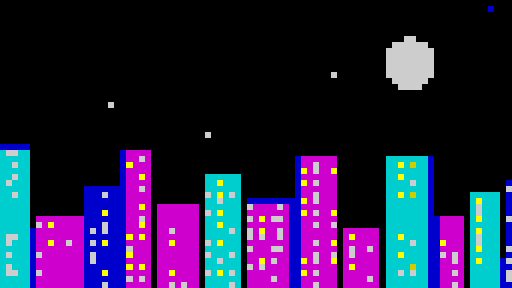
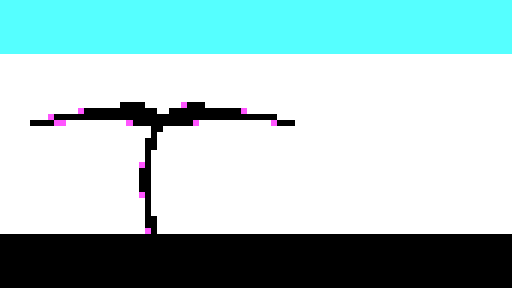
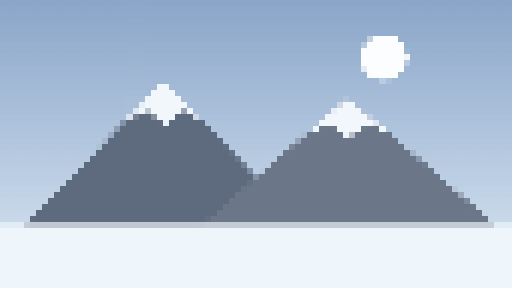


Your turn. Make one of your own from any photo, free and in your browser.
OPEN THE CONVERTERA note on these images
To be upfront: these are example scenes I generated with a small script and then ran through the converter's palettes, not photos. They're here to demonstrate what each palette does to an image. Want to see your own cat, landscape or selfie like this? That's exactly what the converter is for. If you make something you're proud of, I'd love to see it, so get in touch.
◀ BACK TO CONVERTER